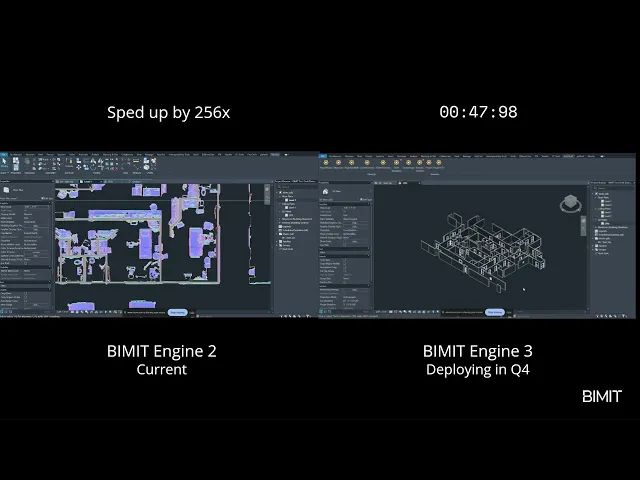
For teams with registered scans

First-draft CAD from your scan—automated

First-draft CAD from your scan—automated

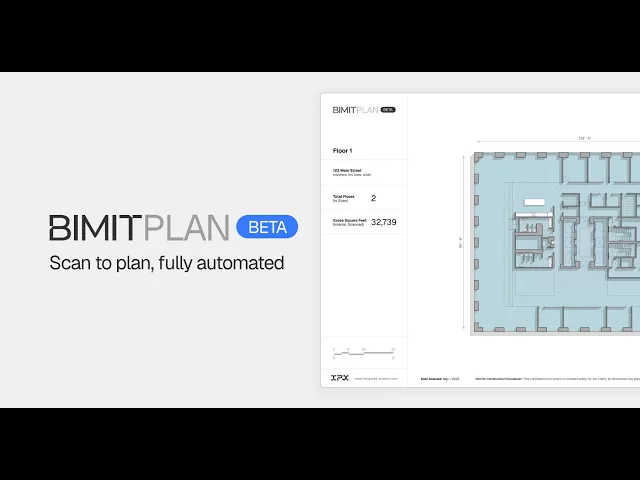
Upload a registered point cloud and get a floor plan you can mark up immediately.

PDF + editable DXF deliverables

≈5 cm to scan accuracy for plan geometry

e57 / XYZ up to 30 GB supported

Automated output. Not reviewed by humans. Not for construction use.

Automated output. Not reviewed by humans. Not for construction use.

Disclaimer

File outputs from BIMIT Engine 3.0 are automated and constantly being updated for improvement during the Beta period. While powerful, it's not perfect. Expect errors and omissions. Do not use plans for construction.

HOW IT WORKS

View, measure, and download editable CAD files—in minutes
1

1

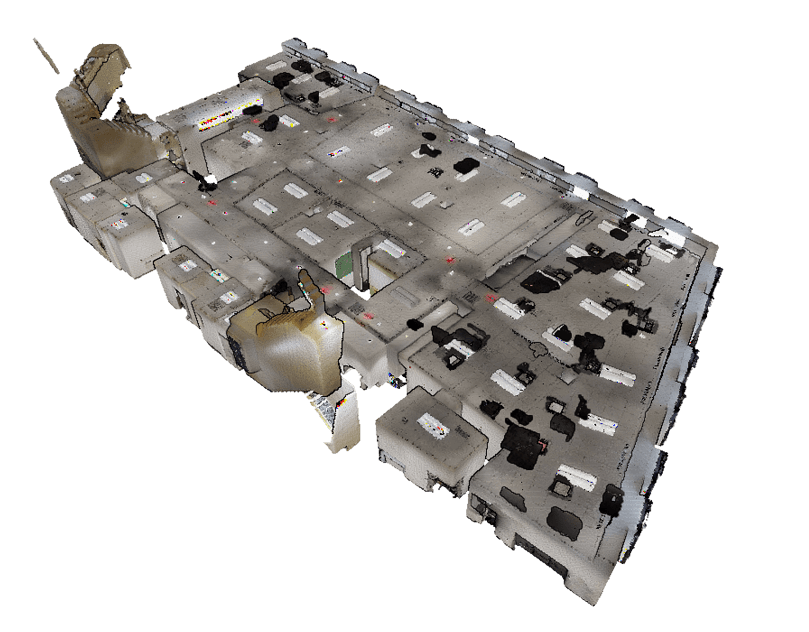
Upload scan file

Upload up to 10GB point cloud file in .XYZ or .e57 format (unstructured, colorized, with Z-Axis up)
2

2

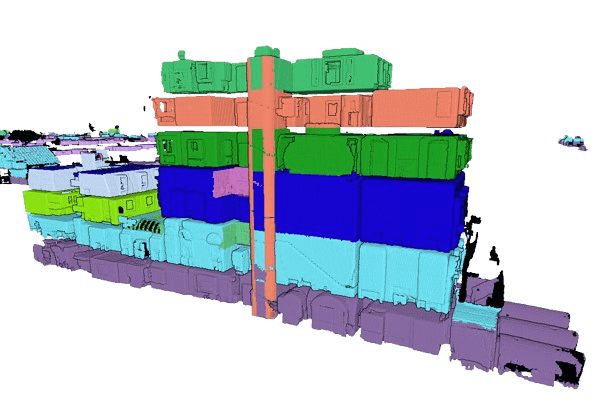
Let BIMIT process

Multi-floor point clouds are segmented by the BIMIT Engine in order to create 1 sheet per level
3

3

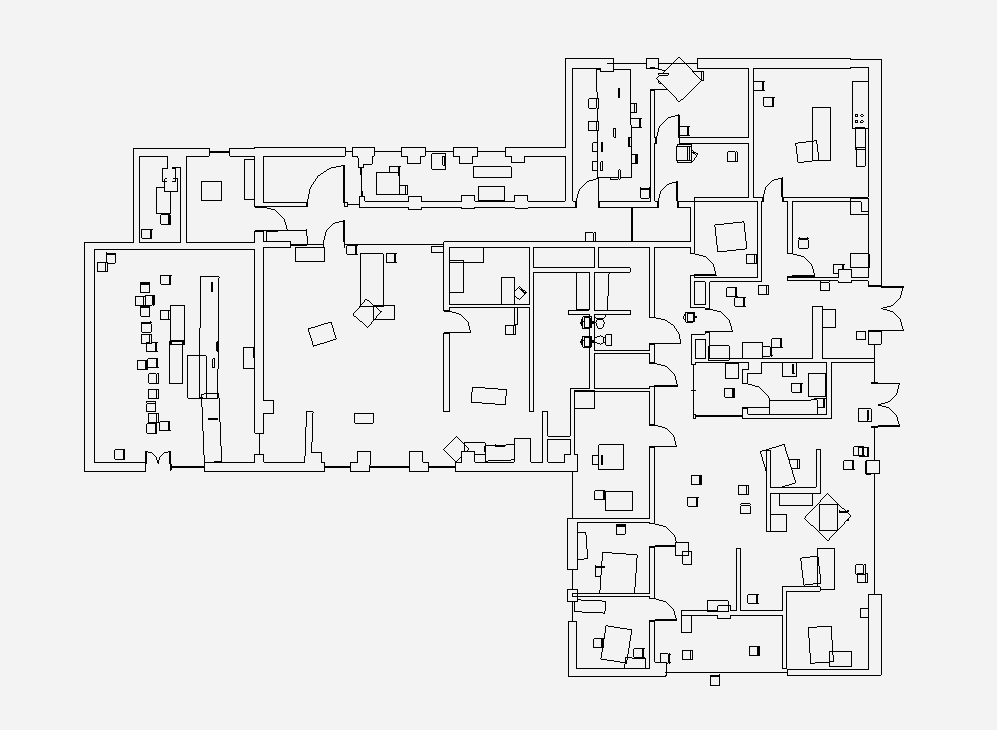
View, measure, and download

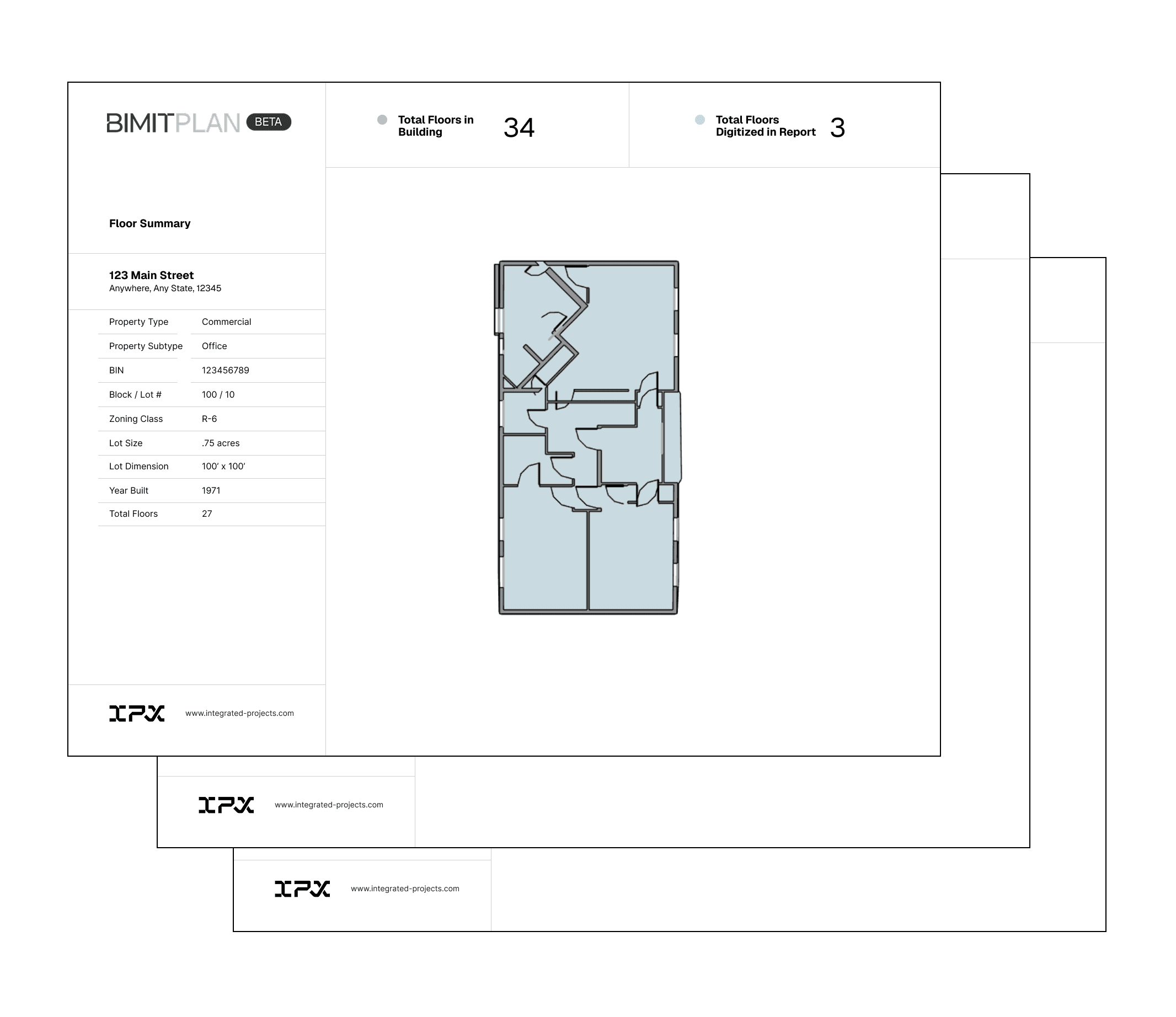
Floor plan currently includes walls, windows, floors, doors, and columns.

For best results, see point cloud export settings

bimit Engine version

v 3.1.0

v 3.1.0

AVG PLAN SCAN ACCURACY

≤ 1/2 inch

≤ 1/2 inch

speed vs manual drafting

~1 hour/ 1GB

~1 hour/ 1GB

file size limit
file size limit

30GB

30GB

BIMIT PLAN BETA

Stop modeling, start delivering value.

Stop modeling, start delivering value.

BIMIT Plan reads your point cloud and creates a schematic floor-plan deliverable 400x faster than tradition BIM or CAD drafting—without adding headcount or Revit seats.

BIMIT Plan reads your point cloud and creates a schematic floor-plan deliverable 400x faster than tradition BIM or CAD drafting—without adding headcount or Revit seats.

FILE DELIVERABLE

Download plan in PDF & CAD format

Download plan in PDF & CAD format

Once processing is complete, download your architectural floor plan in PDF & DXF format.

Once processing is complete, download your architectural floor plan in PDF & DXF format.

AUTOMATED PLANS

Powered by BIMIT Engine 3.0's spatial intelligence

Powered by BIMIT Engine 3.0's spatial intelligence

Works with raw XYZ & E57 files from Matterport, NavVis, FARO, Leica and other leading reality capture providers.

Works with raw XYZ & E57 files from Matterport, NavVis, FARO, Leica and other leading reality capture providers.

BIMIT 3.0'S PERFORMANCE

How Engine 3.1.0 compares to manual BIM drafting

Our automation detects and models floor plans from your point cloud—fully done for you, behind the scenes.

Our automation detects and models floor plans from your point cloud—fully done for you, behind the scenes.

COMPARED TO MANUAL DRAFTING

400X faster

400X faster

400X faster

ACCURACY RANGE

LOA30

LOA30

LOA30

BIMIT Plan DELIVERABLES

PDF, DXF

PDF, DXF

PDF, DXF

See your plan being processed

Once you've placed an order, you'll receive realtime updates in a secure, browser-based experience.

NEED HIGH VOLUME FLOOR PLAN PRODUCTION?

Floor Plan Production, at scale

Convert scans to plans using IPX's API services

Convert scans to plans using IPX's API services

get answers quickly

Frequently Asked Questions

Is BIMIT Plan automated?

Is BIMIT Plan automated?

Is BIMIT Plan automated?

What’s required to join the closed BIMIT Plan beta?

What’s required to join the closed BIMIT Plan beta?

What’s required to join the closed BIMIT Plan beta?

What point cloud formats does BIMIT Plan accept?

What point cloud formats does BIMIT Plan accept?

What point cloud formats does BIMIT Plan accept?

What file formats does BIMIT Plan create?

What file formats does BIMIT Plan create?

What file formats does BIMIT Plan create?

What does BIMIT Plan cost?

What does BIMIT Plan cost?

What does BIMIT Plan cost?

What are known limitations of the BIMIT Plan product?

What are known limitations of the BIMIT Plan product?

What are known limitations of the BIMIT Plan product?

Partnered with the world leaders in reality capture

Partnered with the world leaders in reality capture

Partnered with the world leaders in reality capture

BIMIT supports the growing community of reality capture professionals around the world scanning with a variety of hardware devices

BIMIT supports the growing community of reality capture professionals around the world scanning with a variety of hardware devices

BIMIT supports the growing community of reality capture professionals around the world scanning with a variety of hardware devices